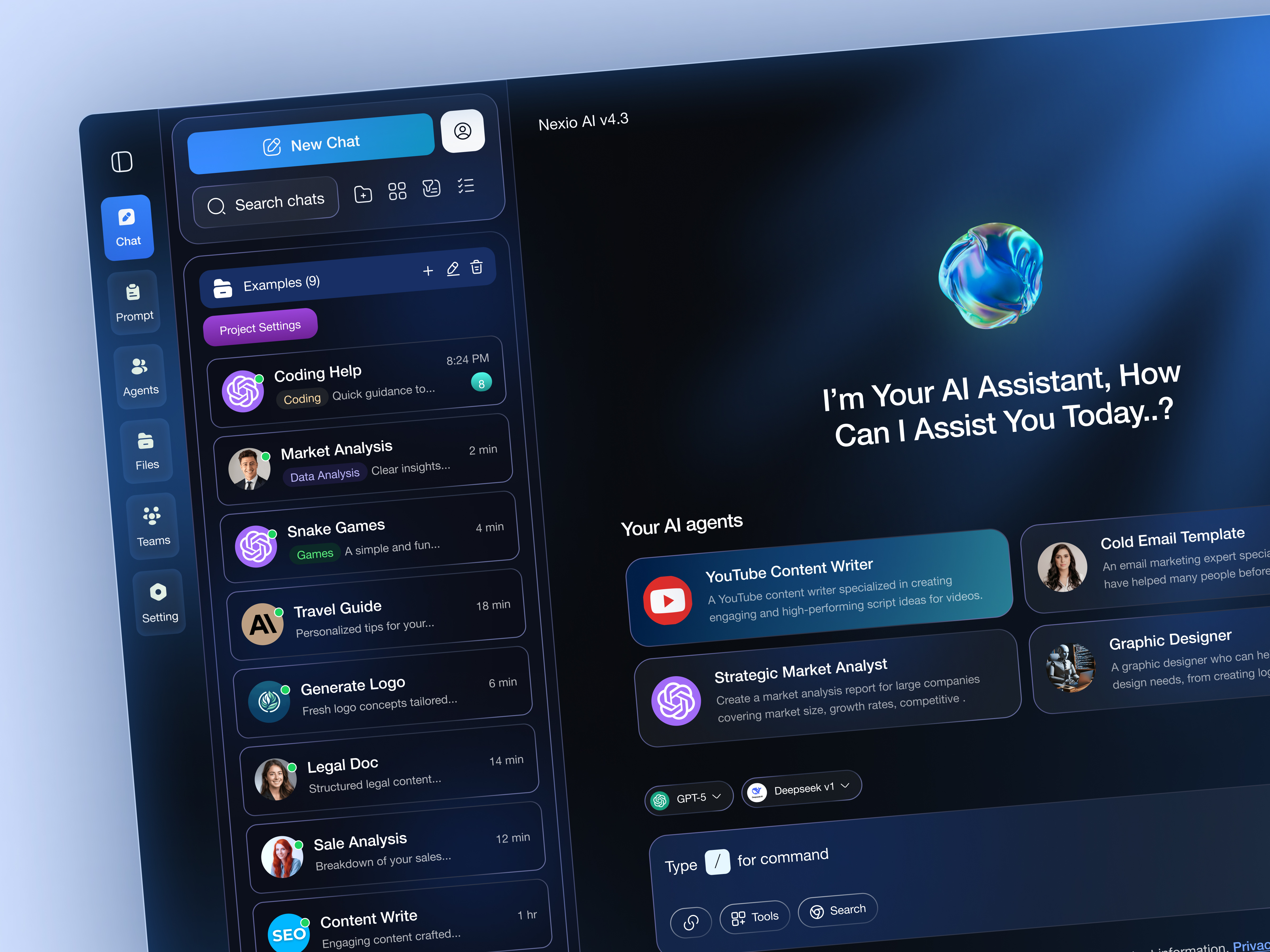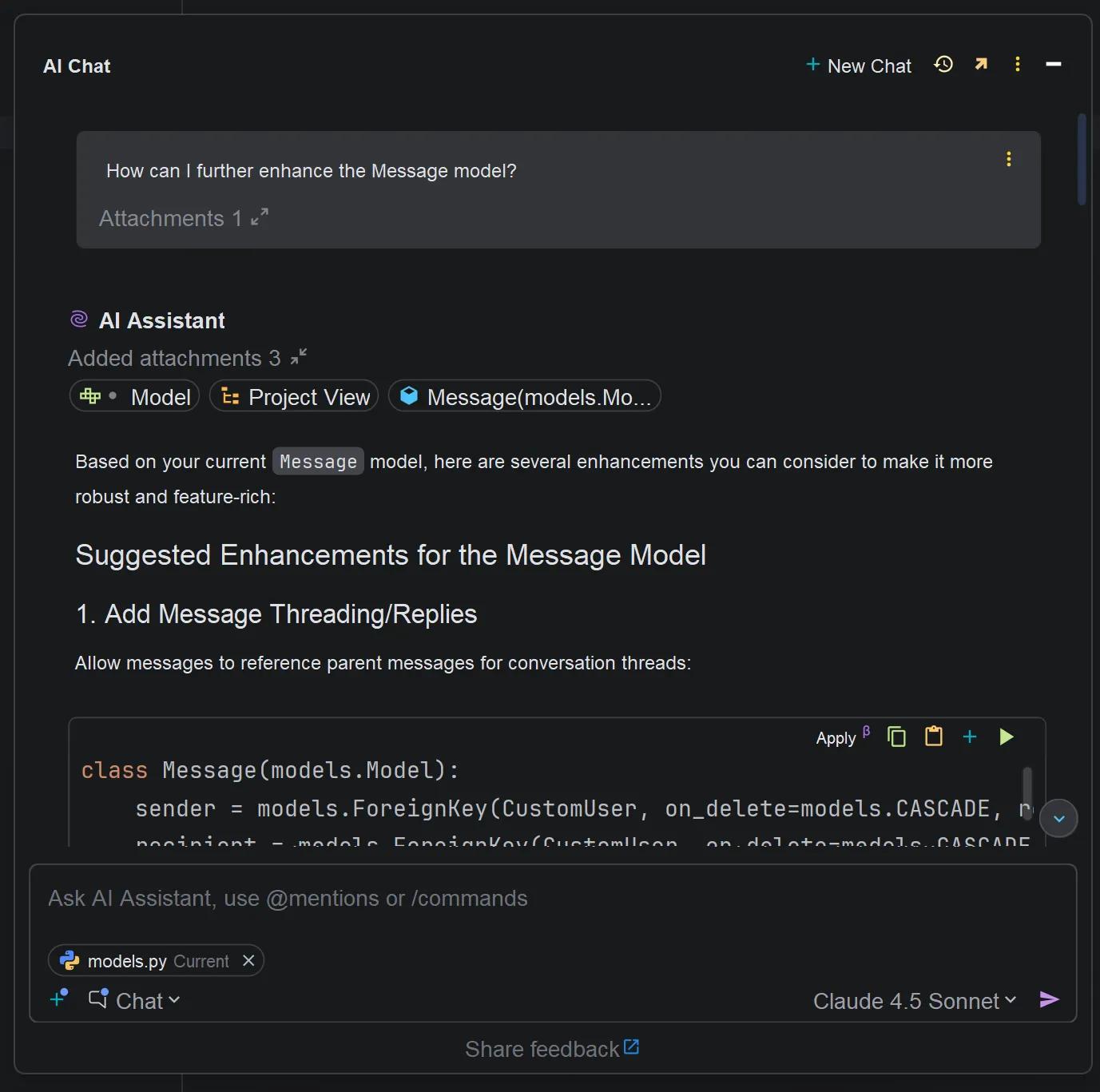
Framer has long been celebrated by UI/UX designers for its powerful visual canvas, interactive prototyping tools, and sleek publishing infrastructure. With the integration of Framer AI, the platform has combined conversational prompt generation directly with its professional design editor, allowing creators to generate responsive, multi-page websites in seconds and immediately polish them using familiar visual controls. This comprehensive hands-on review explores the capabilities, visual quality, performance, and workflow benefits of Framer AI for digital creators.
The strength of Framer AI lies in its design-first approach. When given a text prompt, Framer AI generates fully structured layouts complete with custom typography pairings, curated color palettes, responsive breakpoint variants (desktop, tablet, and mobile), and localized copy options. What sets Framer apart is what happens after generation: creators retain absolute visual control, equipped to drag, resize, animate, and restyle every layer on a freeform visual canvas without touching underlying code lines, making it an exceptional tool for design-focused marketing teams.
This review evaluates Framer's built-in Content Management System (CMS), native scroll-triggered physics animations, localization suites, and high-performance publishing infrastructure. The article shares best practices for writing effective design prompts, managing component variants, optimizing assets for fast page speed, and setting up custom domain publishing. Discover how Framer AI provides the perfect middle ground between rapid AI generation and granular visual design control.
The strategic question
The useful question is not whether Framer AI Hands-On Experience sounds impressive. It is where the approach creates measurable leverage, and where it introduces new risk. In 2026, the strongest teams treat AI as a force multiplier inside a defined operating model. They specify the decision, the constraints, the owner, and the evidence required before asking a system to produce an answer. That habit is more valuable than any individual prompt or product feature.
What the evidence suggests
The source material for this field note is Visual UI Design Review & Framer Guide. It should be read as a starting point for evaluation rather than a promise of universal results. Product capabilities, pricing, model quality, and platform limits change quickly. A responsible comparison therefore separates observable behavior from vendor language: test the workflow with representative inputs, measure the output against a human baseline, and record the manual work that remains after generation.
A practical operating model
Start with a small, bounded project. Define success in plain language, list the inputs the system can access, and decide which actions still require human approval. Then create a repeatable loop: brief the task, generate a first pass, inspect the result, run a quality check, and capture what changed. This makes progress visible and prevents the common mistake of confusing a fast first draft with a finished product. The same loop works for design, engineering, research, and content operations.
Where teams get stuck
The most common failure is context loss. An AI system may produce fluent output while missing a business rule, an edge case, or a requirement hidden in another document. Teams also underestimate review costs: generated work can move quickly into testing, but testing still needs expertise. Protect the workflow with a source-of-truth brief, small batches, explicit acceptance criteria, and a review queue for anything that affects privacy, money, safety, accessibility, or customer trust.
The implementation checklist
Before adopting this workflow, audit the data that will pass through it. Remove secrets and unnecessary personal information, confirm how providers retain inputs, and set a clear deletion policy. Check portability: can you export the work, replace the model, or continue without the platform? Check observability: can you see failures, regressions, and unexpected usage? Finally, check accessibility and mobile behavior in the actual experience, not only in a generated preview.
A balanced recommendation
For independent creators and small teams, the highest return usually comes from using AI for exploration, scaffolding, repetitive transformations, and structured critique. Keep human ownership over goals, brand judgment, security decisions, factual claims, and final publication. Larger organizations can add permissions, evaluation datasets, audit logs, and staged releases. These controls may feel slower at first, but they make the speed advantage durable by reducing rework and avoidable incidents.
What to watch next
The next phase will be defined less by novelty and more by integration. Systems will connect to design libraries, repositories, analytics, support records, and deployment pipelines. That convergence will make provenance, permissions, and rollback central product concerns. Watch for tools that explain their assumptions, expose useful logs, respect user-controlled data boundaries, and make it easy to compare generated output with a human-approved standard.
This article draws on Visual UI Design Review & Framer Guide and the linked reference below. Product details should be checked against the provider's current documentation before a purchase or production decision.
Open reference source ↗